 Eddy
CUSTOM FIRMWARE FOR FLIPPER ZERO
Eddy
Firmware
A new home for your Flipper Zero.
Install Eddy Firmware Try the home screen
USB CONNECTION
Plug in.
Insert your microSD card and connect your Flipper Zero with a USB data cable. Close qFlipper so the web installer can use the port.
FIRMWARE UPDATE
Load Eddy.
Open the Eddy updater, connect your device, and install the main build. Leave your Flipper plugged in through the restart.
INTERACTIVE PREVIEW
Meet Eddy.
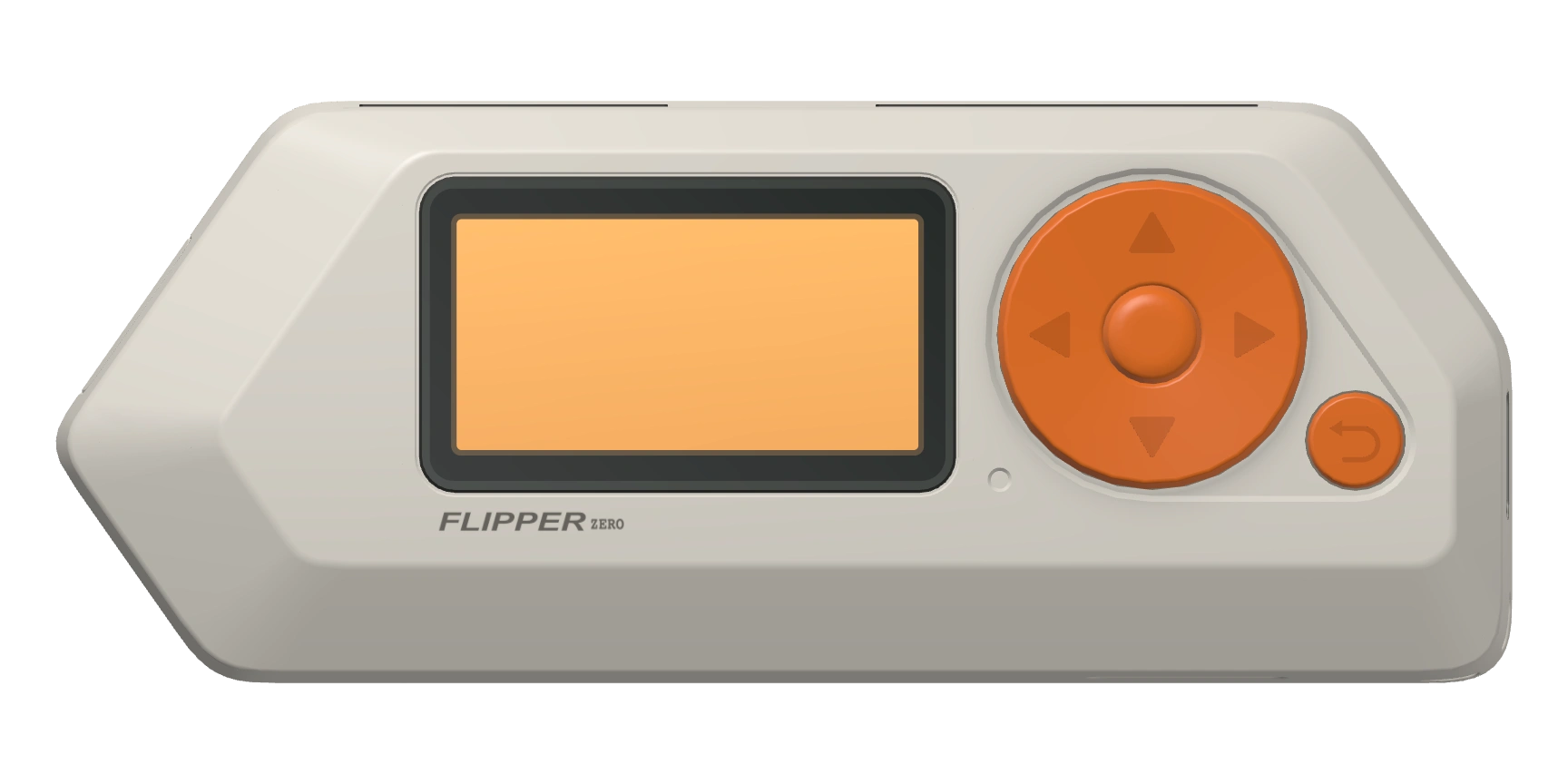
Play around with the Flipper Zero emulator to see Eddy in action! Start by pressing the center or down button.
Spotify
A new Spotify app allows you to check your playlists, queue songs, and add songs to playlists.
Try the Spotify demo! Spotify setup
MAIN BUILD
Install Eddy.
For Flipper Zero with a microSD card and USB data cable. Use desktop Chrome or Edge for the web installer.